Voice-Activated Digital Recorder: Cleaner Notes Fast
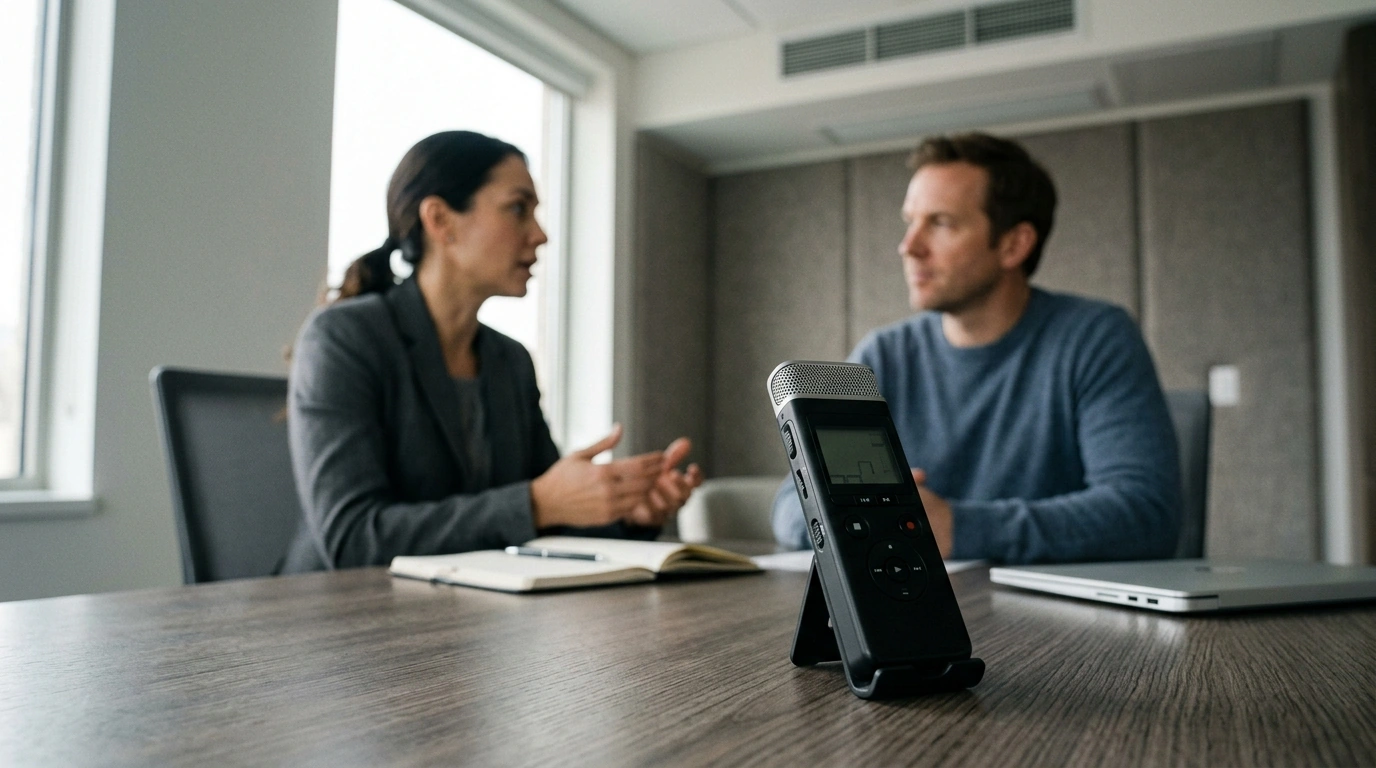
Digital Voice Recorder with Voice Activation & Noise Reduction
Clear audio matters most when notes, interviews, lectures, or reminders need to be replayed later. A recorder with voice activation and noise reduction helps capture speech more reliably in real-world rooms—while reducing silent gaps and distracting background sounds. If you want quick playback, easier review, and cleaner-sounding voice notes without fuss, a compact recorder built around these two features can make everyday recording feel far more dependable.
What voice activation changes in everyday recording
Voice activation (often called VOX) is designed for how people actually talk: in bursts. Instead of creating one long file filled with quiet pauses, the recorder starts when sound reaches a set level and pauses when the room goes silent.
- Starts recording automatically when sound reaches a set level, then pauses during silence to reduce dead air.
- Helps conserve storage and makes playback faster by trimming long quiet stretches.
- Useful for meetings, study sessions, or personal memos where speech comes in bursts.
- Best results come from placing the recorder closer to the speaker and avoiding rustling surfaces.
A practical benefit is review speed. When you’re scanning a lecture for a key explanation or checking a meeting for a decision, cutting down empty audio makes it easier to find what matters—especially if you’re replaying on a phone or computer later.
How noise reduction helps speech sound clearer
Noise reduction aims to make spoken words stand out by reducing steady, predictable background sounds. It’s particularly helpful in rooms with low-level hum or air movement where microphones tend to pick up a constant “bed” of noise.
- Targets steady background noise (fans, HVAC hum, distant traffic) so spoken words stand out more.
- Improves intelligibility for playback and transcription, especially in echo-prone rooms.
- Works best when the microphone isn’t overloaded by very loud sources (clapping, sudden bumps).
- Pairing noise reduction with good placement usually beats relying on processing alone.
Noise reduction isn’t magic, but it can meaningfully improve clarity when it’s used as a finishing tool—after smart positioning and stable placement keep the mic from capturing unnecessary vibration and handling noise.
Best uses: where this recorder fits well
A voice-activated, noise-reducing recorder is a strong match for situations where speech is the primary content and the environment isn’t perfectly controlled.
- Lectures and classes: capture the main speaker without recording long silences.
- Interviews: reduce ambient noise while keeping responses easy to review.
- Work meetings: create quick reference audio for action items and decisions.
- Personal reminders: hands-free notes while driving (where legal), walking, or multitasking.
- Language practice: play back pronunciation and track progress over time.
For students and professionals alike, the biggest advantage is consistency: you’re more likely to end up with usable audio even when the room isn’t ideal.
Quick setup for more reliable recordings
Small adjustments before you hit record often matter more than any setting. Use this short checklist to get clearer speech with fewer surprises.
- Positioning: place the recorder 6–24 inches from the main speaker when possible.
- Surface control: avoid placing it on paper stacks or near tapping keyboards to reduce vibrations.
- Voice activation: set sensitivity high enough to catch quiet speakers but not so high that it triggers on air noise.
- Test clip: record 10–15 seconds, play it back, then adjust placement before the full session.
- Battery/space check: confirm sufficient power and free storage before long recordings.
Room-by-room placement tips
| Scenario | Placement | Why it helps |
|---|---|---|
| Lecture hall | Front row, angled toward the lecturer | Reduces distance so speech dominates room echo |
| 1:1 interview | Centered between both speakers on a stable surface | Balances voices and avoids handling noise |
| Meeting table | Middle of the table, away from laptops | Limits keyboard clicks and fan noise |
| On the go | Clipped or secured to avoid rubbing against fabric | Prevents constant friction noise from triggering activation |
Playback, file organization, and sharing
Clean audio is only half the job—finding it later is the other half. A simple organization habit saves time when you need a quote, a date, or a decision fast.
For sensitive recordings, consider basic privacy hygiene like device lock screens, encrypted cloud storage, and careful sharing permissions. The FTC offers practical guidance on protecting personal information here: https://consumer.ftc.gov/articles/protecting-your-privacy.
Privacy and consent basics before recording others
For a plain-language overview of how wiretapping and consent concepts are discussed legally in the U.S., see Cornell Law School’s resource: https://www.law.cornell.edu/wex/wiretapping.
At-a-glance feature checklist
Shop in-stock picks
If you’re ready to record lectures, meetings, and reminders with less dead air and clearer playback, start here: Digital Voice Recorder with Voice Activation & Noise Reduction.
- Kids Recliner Chair
- Nordic Lava Led Floor Lamp
- 42″ Grey Bathroom Vanity with Carrara Quartz Countertop
FAQ
Will voice activation miss quiet speakers?
It can if the sensitivity is set too low or the recorder is too far from the speaker. A quick 10–15 second test clip, closer placement, and a small sensitivity increase usually fixes missed phrases.
Does noise reduction remove all background noise?
No—noise reduction mainly lowers steady, consistent sounds like fans or HVAC hum. Sudden bumps, handling noise, or loud nearby conversations may still come through, so stable placement and distance control remain important.
Is it legal to record meetings or conversations?
Consent rules vary by jurisdiction and may differ between one-party and all-party consent requirements. When unsure, disclose the recording and get permission, and also follow workplace or school policies.












Leave a comment