Create a Budget PDF: Simple Steps to Export & Print
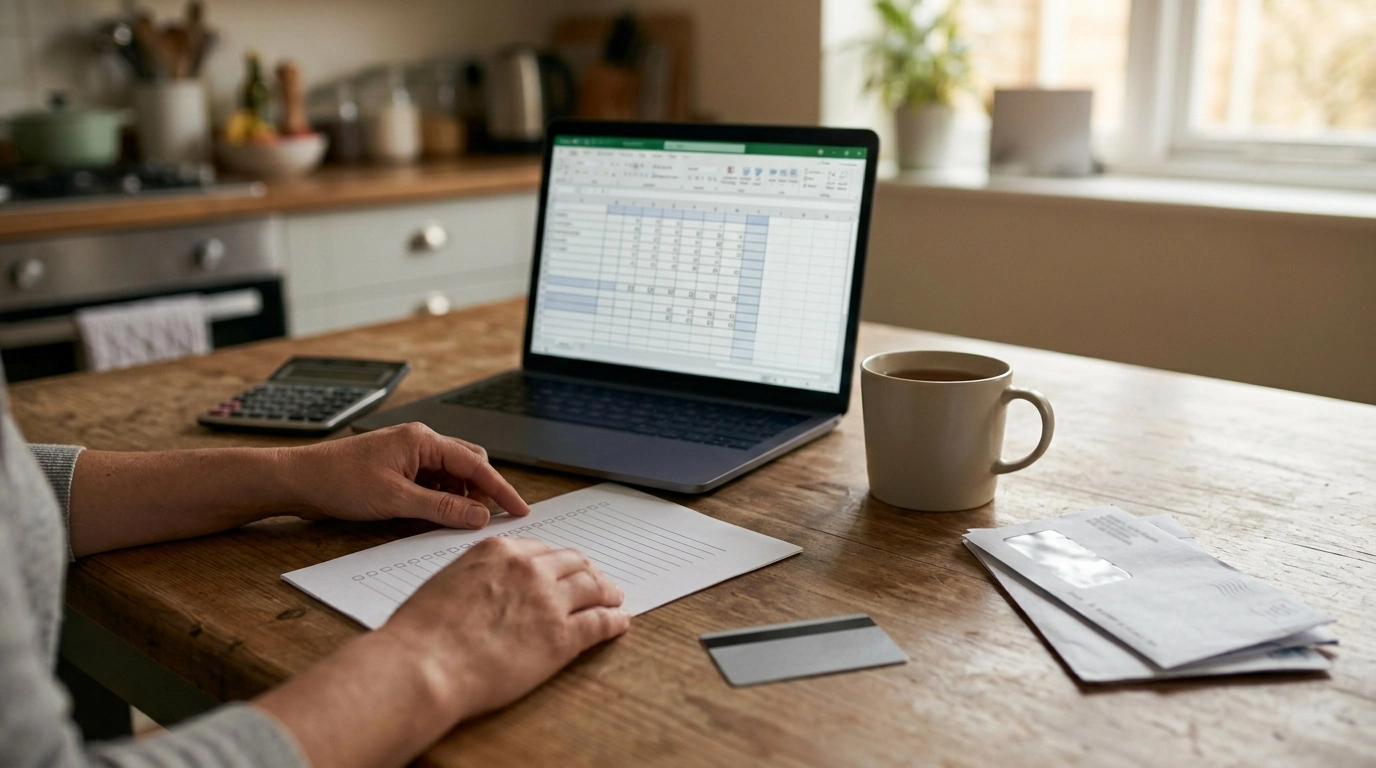
How can I create a budget in PDF format?
Creating a budget in PDF format is easiest when you start with a simple budget layout (income, fixed expenses, variable expenses, savings, and debt) and then export it as a PDF from a tool you already use. A PDF is great for printing, sharing with a partner, or saving a “locked” version of your monthly plan.
Step 1: Build your budget in a spreadsheet or document
Use Google Sheets, Microsoft Excel, Google Docs, or Word—whatever feels quickest. Create sections for: total monthly income, recurring bills (rent, insurance, subscriptions), flexible spending (groceries, gas, dining), and goals (sinking funds, emergency fund, extra debt payments). Add a total row for each section so you can see where your money is going at a glance.
Step 2: Make it PDF-friendly
Before exporting, adjust the page setup: choose letter size, set narrow margins, and make sure columns fit on one page. If you want it to be fillable after saving, keep lines and labels clear, and avoid tiny fonts.
Step 3: Export or “Print to PDF”
In Google Sheets/Docs, select File > Download > PDF. In Microsoft Office, select File > Save As (or Export) > PDF. On most computers, you can also choose Print and select “Save as PDF” as the printer.
Step 4: Keep it useful week to week
Name the file consistently (example: “Budget_2026-09.pdf”), then store it in a dedicated folder. For a simple routine that helps you stay on track—like a weekly budget check-in—use this guide and checklist: https://esteemian.com/guide-budget-checklist-weekly-routine-stay-on-track/.
For Create a Budget PDF: Simple Steps to Export & Print, the best answer depends on fit, material, care instructions, and how the product will be used day to day.
Checking those details first helps avoid a poor match and keeps the choice practical after delivery.
FAQ
How do I make a printable budget worksheet?
Create the worksheet in a spreadsheet, format it to fit on a single page, and export it as a PDF so it prints cleanly without shifting margins or columns.












Leave a comment